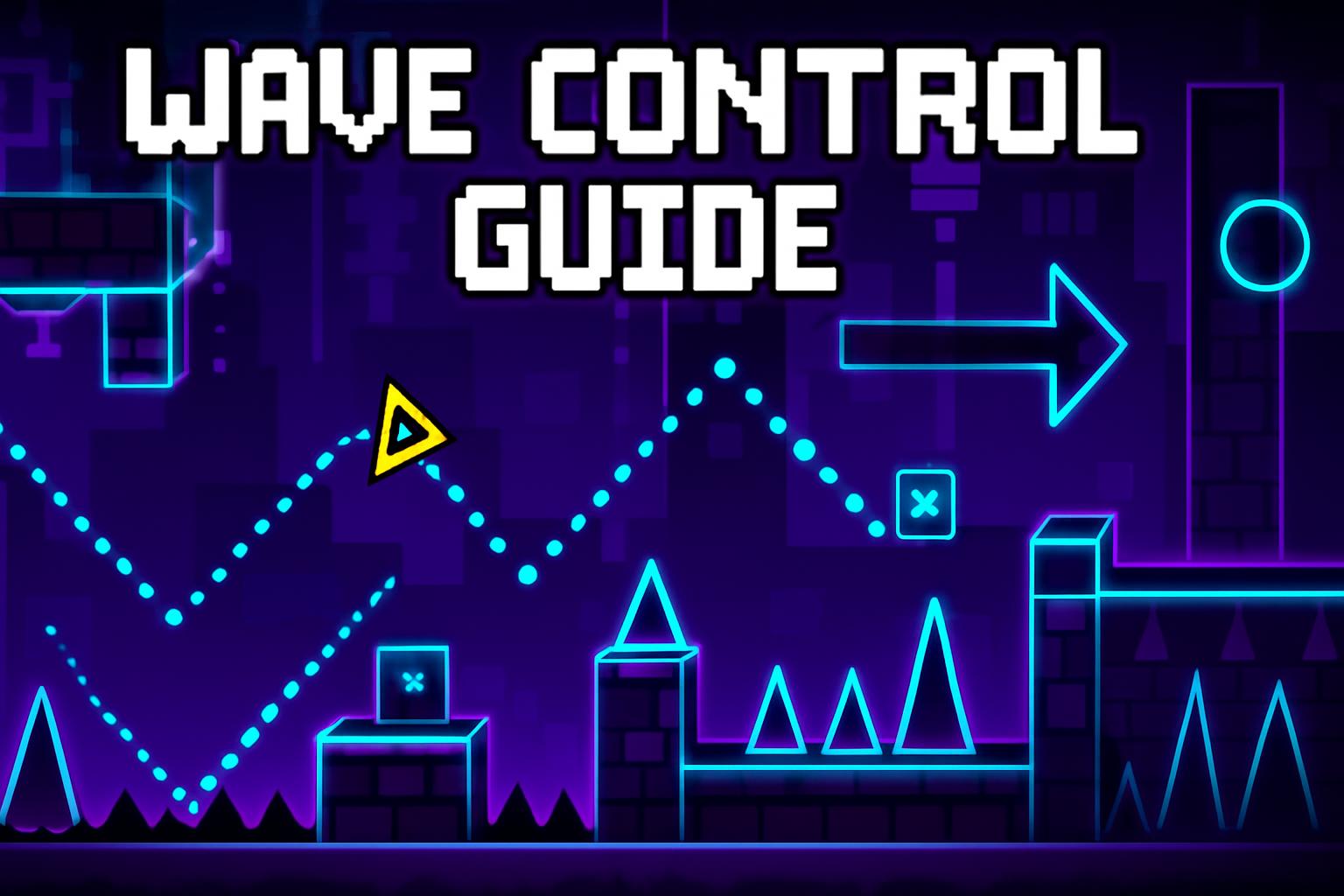
Wave control is arguably one of the most challenging skills to master in Geometry Dash. Whether you're struggling with tight wave sections or looking to perfect your wave spam techniques, this comprehensive guide will help you elevate your wave control to the next level.
Understanding Wave Physics
Before diving into advanced techniques, it's crucial to understand how wave physics work in Geometry Dash. The wave game mode follows specific mathematical patterns that, once understood, can be predicted and controlled with precision.
The Wave Movement Formula
Wave movement in Geometry Dash follows a sinusoidal pattern with specific parameters:
- Base Speed: The wave travels at a consistent horizontal speed determined by the level's speed setting
- Vertical Oscillation: The wave moves up and down in a predictable sine wave pattern
- Gravity Effect: Holding down causes the wave to rise, releasing makes it fall
- Momentum: The wave maintains some vertical momentum, making precise control challenging
Advanced Wave Control Techniques
1. The Micro-Tap Method
The micro-tap technique involves extremely quick, precise taps instead of holding down the button. This method provides better control over wave height and is essential for navigating tight spaces.
"Mastering micro-taps transformed my wave control. I went from barely surviving simple wave sections to completing extreme demon waves with consistency." - Top GD Player
2. Rhythm-Based Wave Control
Instead of reacting to visual cues, develop an internal rhythm for wave control. This involves:
- Counting beats in the background music
- Anticipating wave patterns based on musical cues
- Developing muscle memory for consistent tap timing
3. The Feather Touch Technique
This advanced technique involves using the lightest possible touch on your input device. It's particularly useful for:
- Minimal height adjustments
- Precision wave navigation
- Reducing input lag
4. Wave Spam Mastery
For high-speed wave sections, spamming becomes necessary. However, controlled spamming is an art form:
- Consistent Rhythm: Maintain a steady tapping rhythm
- Pressure Control: Apply consistent pressure to each tap
- Position Awareness: Keep track of your wave's position during spam
Practice Routines for Wave Control
Daily Warm-up Exercises
Start each practice session with these warm-up exercises:
- Slow Wave Practice: 10 minutes on slow wave levels to warm up
- Micro-tap Drills: 5 minutes of precision micro-tap exercises
- Rhythm Training: 5 minutes of rhythm-based wave control
Progressive Difficulty Training
Structure your practice with progressively difficult challenges:
- Begin with simple wave patterns
- Gradually increase speed and complexity
- Focus on one technique at a time
- Record and analyze your attempts
Common Wave Control Mistakes to Avoid
1. Over-Gripping
Many players grip their mouse or phone too tightly, leading to:
- Reduced precision
- Increased fatigue
- Inconsistent input timing
2. Visual Dependency
Relying solely on visual cues limits your potential. Instead:
- Develop audio-based timing
- Build muscle memory
- Learn to anticipate patterns
3. Inconsistent Practice
Sporadic practice leads to slow improvement. Establish:
- Daily practice schedule
- Specific goals for each session
- Progress tracking system
Advanced Wave Patterns
Tight Wave Corridors
These require extreme precision:
- Use micro-taps exclusively
- Focus on horizontal positioning
- Anticipate upcoming obstacles
Wave Mazes
Complex wave navigation patterns demand:
- Memorization of the path
- Quick directional changes
- Advanced timing skills
Equipment Optimization
Mouse Settings
Optimize your mouse for wave control:
- DPI: Lower DPI (400-800) for better precision
- Polling Rate: 1000Hz for minimal input lag
- Surface: Use a consistent, smooth mousepad
Mobile Device Settings
For mobile players:
- Disable haptic feedback
- Use a consistent grip
- Consider a controller for better precision
Measuring Progress
Performance Metrics
Track your improvement with these metrics:
- Success Rate: Percentage of successful attempts on specific sections
- Consistency: Ability to replicate successful runs
- Speed Progression: Gradually increasing completion speeds
Conclusion
Mastering wave control in Geometry Dash is a journey that requires patience, dedication, and consistent practice. By implementing these advanced techniques and following structured practice routines, you'll see significant improvement in your wave control abilities.
Remember that progress takes time, and every expert was once a beginner. Focus on gradual improvement, celebrate small victories, and most importantly, enjoy the process of mastering this challenging and rewarding aspect of Geometry Dash.
Comments section coming soon!